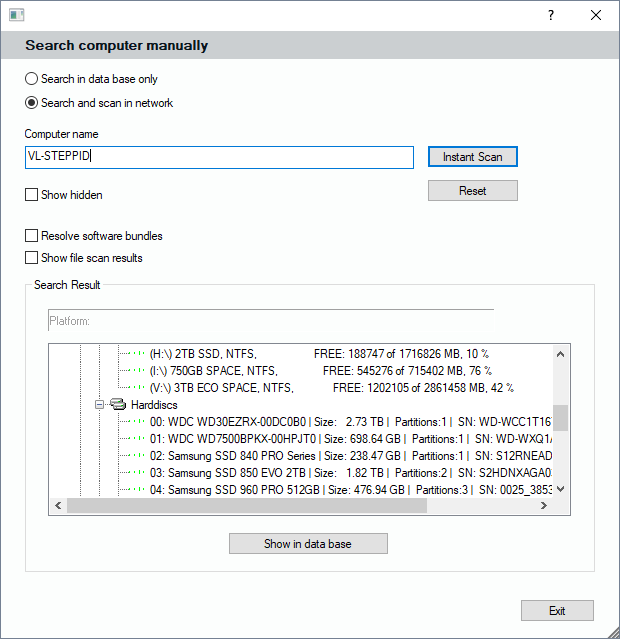
Buttons Search and Advanced Search
The simple search button lets the focus jump to the object that matches the name fragment. If you use the advanced search, you get an own search mask that enables you to search in the database or alternatively in the network if the object wasn't found in the records. If you find a computer in the network, you can decide to add it to the database then. If you have selected a branch in the location tree before, the object will be added there.