Changing the Column Layout
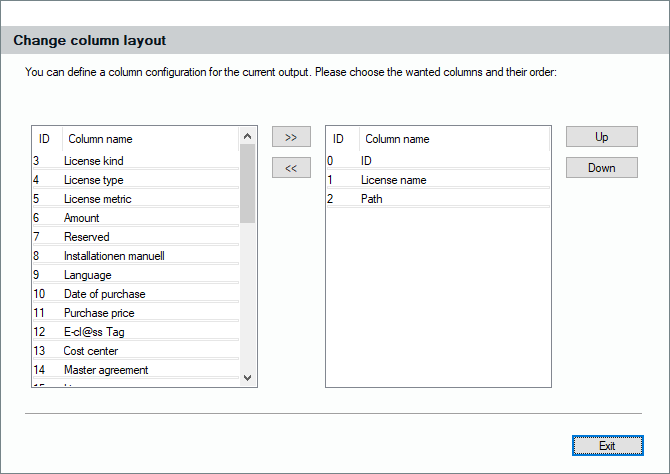
The results of your queries, which is a list of license records, will be displayed on the right side of the license pool. As almost every list in Lan-Inspector, this list can be pushed to Excel by clicking the Excel button in the top bar . You might want to add additional information from the records to that list by adding columns. Select the columns you want and click them to the right by using " >> ". To remove a column, select it and click on " << ".