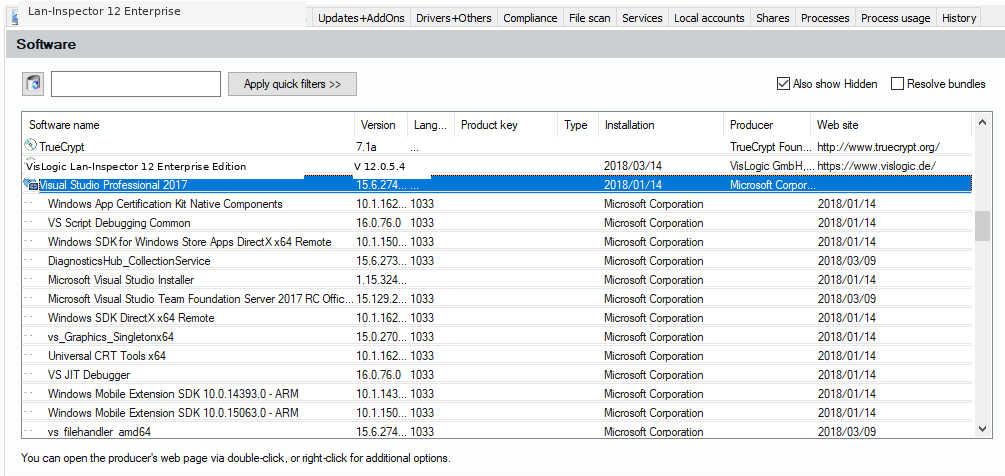
Computer Object: Software Tab
This dialog contains a list of all software installations on this computer. The products installed here are sorted to several sub tabs like in 6.3.4 Installed Software in the Network: Software, SAM-Audits, Updates+AddOns and drivers+Others. The software tabs all have the option of a quick filter. Additionally you will find the options for “Show Hidden also“ and “Resolve Bundles“.
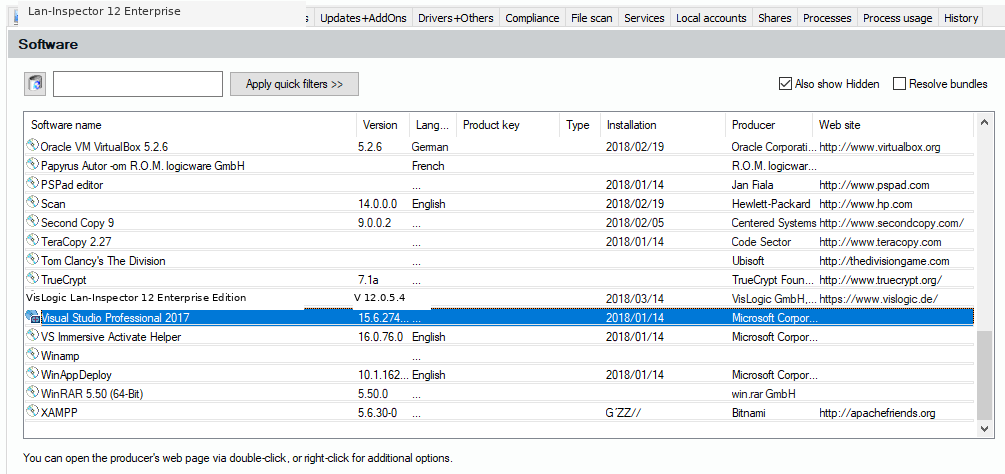
There is no option to for hiding package licenses. This tab hides them automatically and reveals them if you click on the plus-symbol at the beginning of the line:.