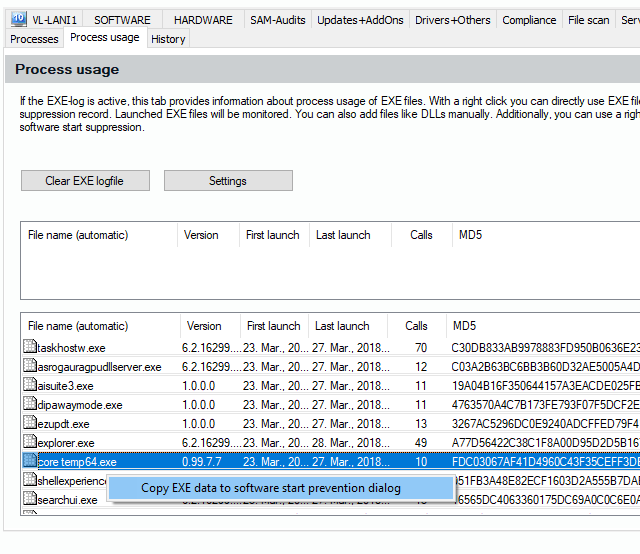
Create an EXE Entry for Software Start Prevention
Use the right mouse button on an entry in the list of Exe files in the Process Usage tab to call up a context menu. You can use the collected data about the chosen executable file to generate an entry in the software start suppression (Software Blacklist/Whitelist).