Generate Report Templates from the Views
To generate a report template from a view, just do the query you want. For example, you to ”Inventory Management/Search & Query“ (6.3.5 Search and Query). Here, you set all the needed parameters for the query. Change or modify the column layout if necessary. Execute the query and verify if the results match your needs. If everything looks good, you can save exactly this pattern as a report template. Click on the “report icon“ in the top menu bar:
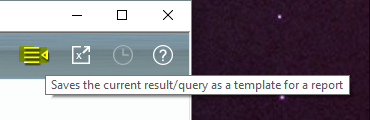
The query including all parameters and column layout will be saved as a template which can be accessed in " Report Management/Saved Reports ". Here you can benefit by further options.