Hide or Bundle Software
If you have scanned your network, you will be surprised how many different products exist only in your own network. Lan-Inspector offers quick filters to smoothen the lists like in the picture.:
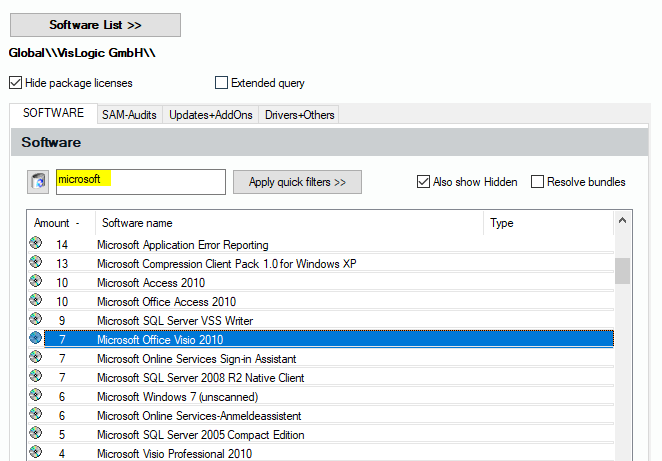
To filter more entries you’re not interested in, you can mark software as “hidden“ (see 6.4.2 Hidden Software Entries).
If you like to bundle products to a single entry, like in the example "Dot-Net", you can use bundle functions, see 6.4.1 Bundled Software Entries . "Bundles" and "Hidden entries" can be resolved or displayed again with a single click on the corresponding option field.