Output Columns (Column Layout)
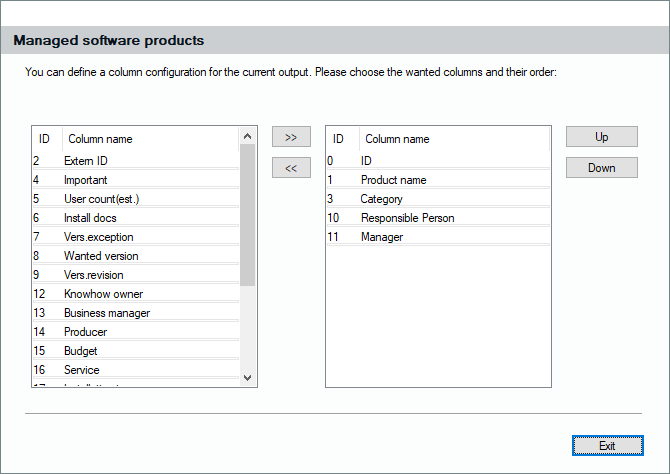
Clicking on this button invokes the already known dialog for changing the column appearance and order. Choose your wanted columns from the list and click them “>>” into the list you want to use for the query. Change the order of single columns by pushing them “Up” or “Down”.