Report Wizard
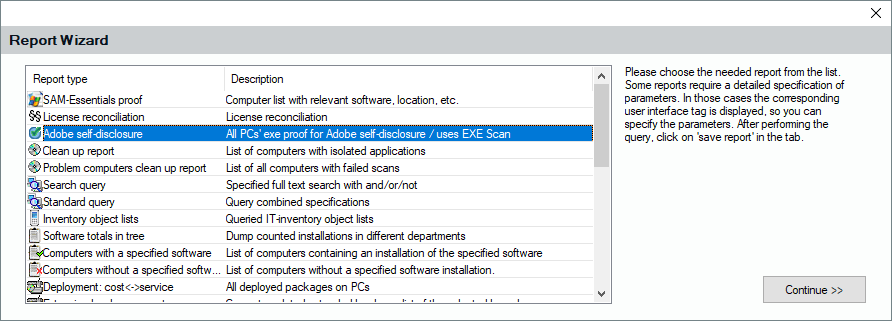
Creating a report template from the various Lan-Inspector views via the report icon is one way of doing it. You can also start the template from the original report view "Saved Reports". You can start the report wizard by clicking on the button " Wizard ". The wizard has a list of possible raw templates. If you choose one, several windows will ask you for additional information needed by the individual templates.
The wizard leads you to the point where you need to execute the query in the corresponding view. When the result is finished, you can click on " Save changed Report ". It is possible that you are still in editor mode if you had opened another entry before. In that case, Lan-Inspector asks if you want to overwrite the old entry or If you want to create a now one.