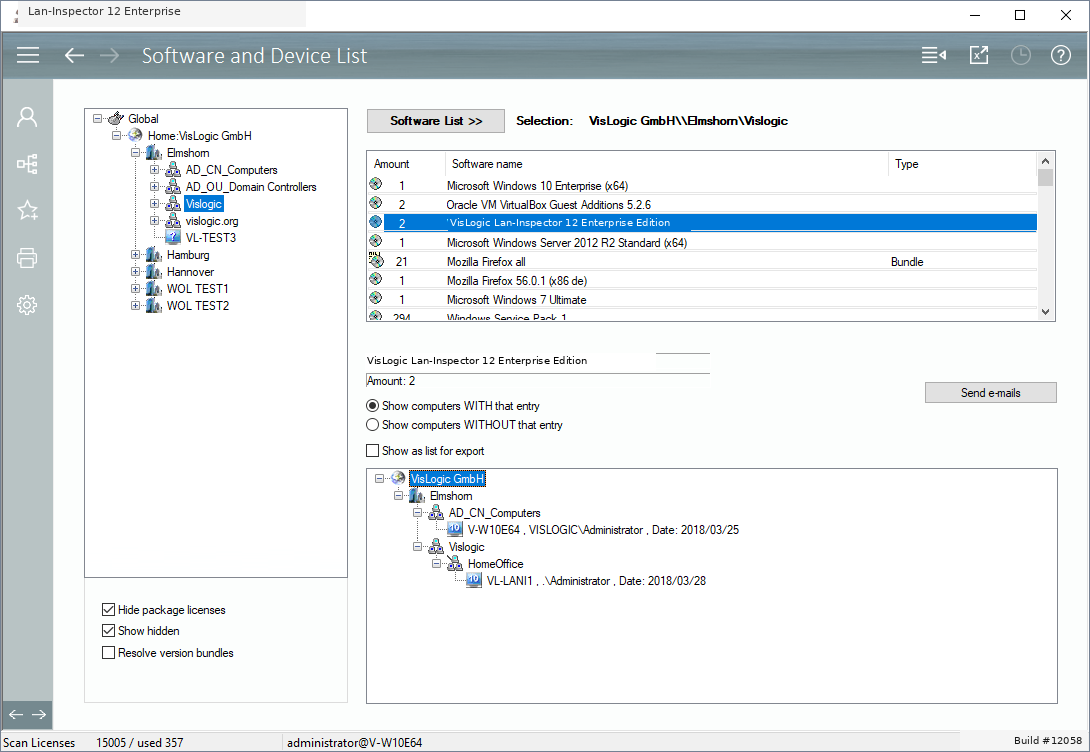
Software with Computer List
This view enables you to quickly get a list of PCs that contain a specified software product. Select a branch in the location tree and click on "Software List >>" in order to create the corresponding list of software. After the system has calculated the list, you can double-click a software entry you are interested in. Before you double-click, you can choose between a list of computers that contain the software or those that do not contain it. If you need a quick list in Excel, you can activate the "Show as list" option and click on the Excel icon in the top bar.
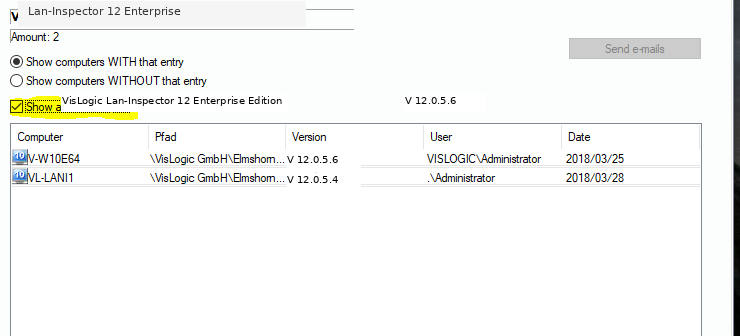
If you have selected the tree view, you also have the option to send batch e-mails to the users of the PCs, see also ADS-Batch-E-Mailer ( 6.3.3.1 ).