Basic and Professional Edition
Both of these editions have a very simple installer. You
1. choose your language and press “OK”
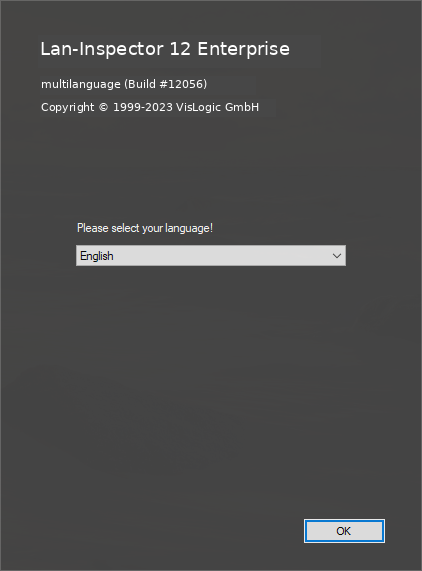
2. View the welcome screen (Continue >>)
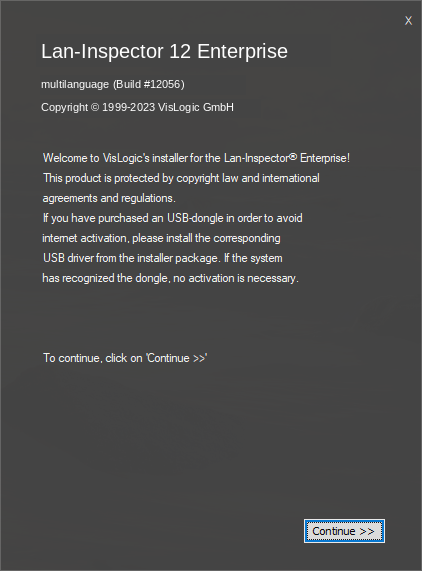
1. Accept the EULA / license agreement (Accept >>)
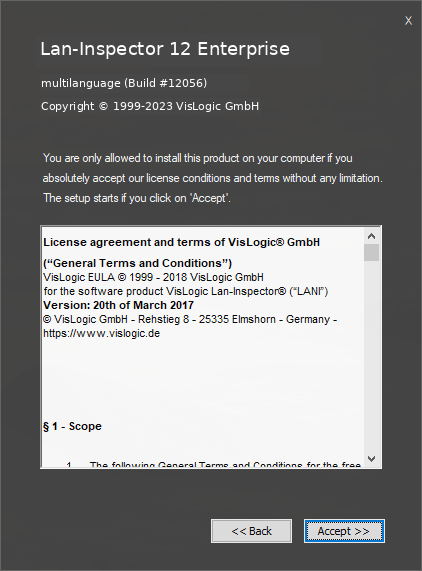
2. Choose the installation path, considering to leave it like that (Continue >>)
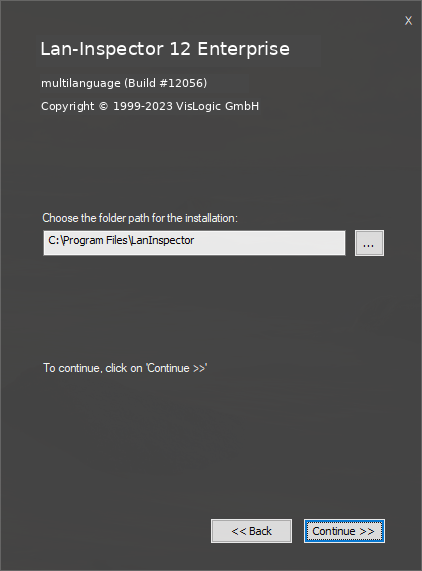
If you want to change the installation path, click the "…" browse button. Please note that "LanInspector" is appended to the selected path by default.
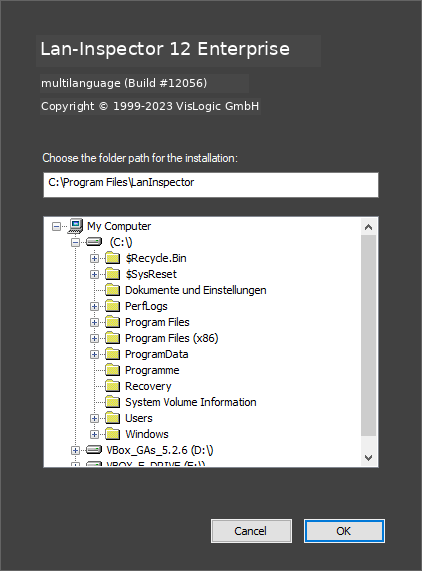
1. Back in the installation folder dialog click ‘Continue >>’ to install.
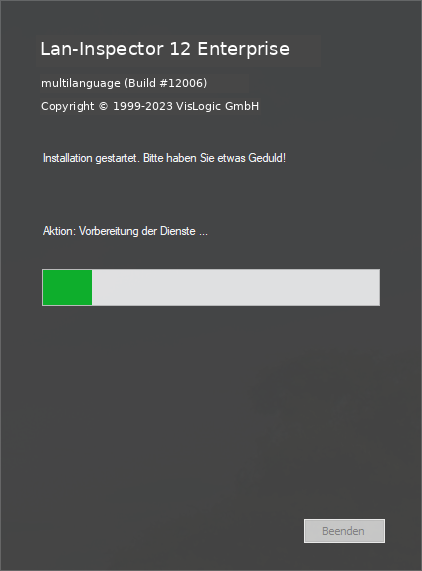
The installation is straightforward: follow the dialogs until setup is complete. Trial versions do not display any internet-activation dialogs. Activation dialogs appear only when a full version is installed.