Enterprise Edition
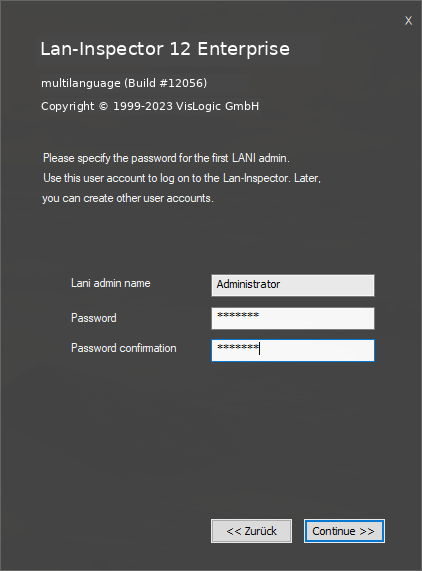
The Enterprise Edition installation differs slightly from the Basic and Professional editions. Because Enterprise uses a multi-user client/server architecture, setup asks you to define the master password for Lan-Inspector "Administrator" account. The account name cannot be changed; you define the password used to access Lan-Inspector framework.
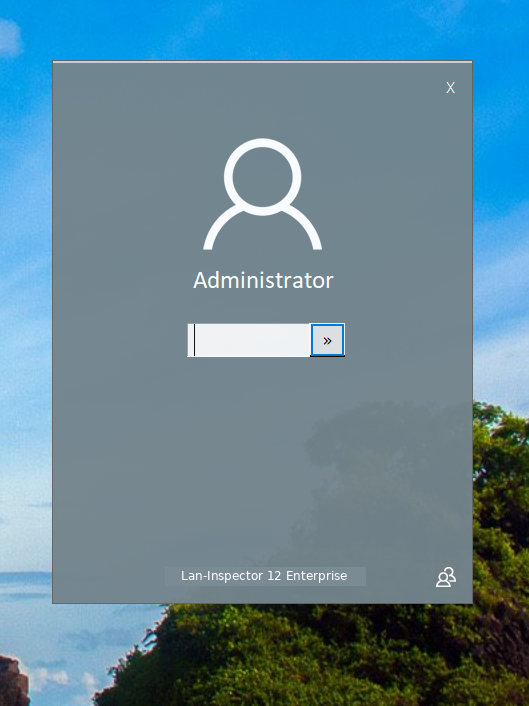
If you start Lan-Inspector later on, a login screen will appear. The logon procedure as well as the underlying user and access management system is not included in the Basic Edition or the Professional Edition.
To scan clients and servers on the network, the Enterprise Edition requires a Windows account with sufficient permissions, ideally a domain administrator account. This account is used by the scan engine service and the backup service. Enterprise setup displays a dialog in which you can enter the account.
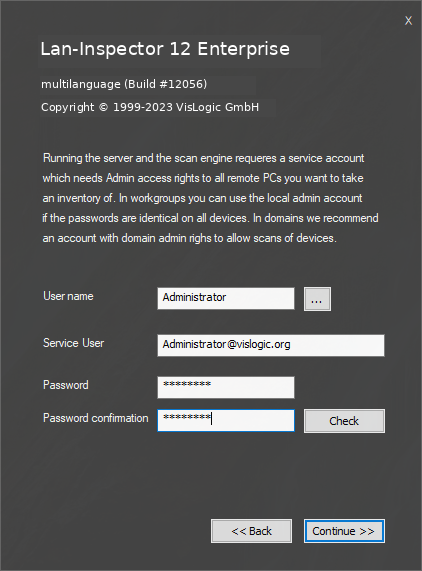
To browse Active Directory, click the "…" button. This opens the system account-selection dialog. The Windows account currently running setup must have sufficient permissions to access Active Directory.