Create License Entries with Consistent Names
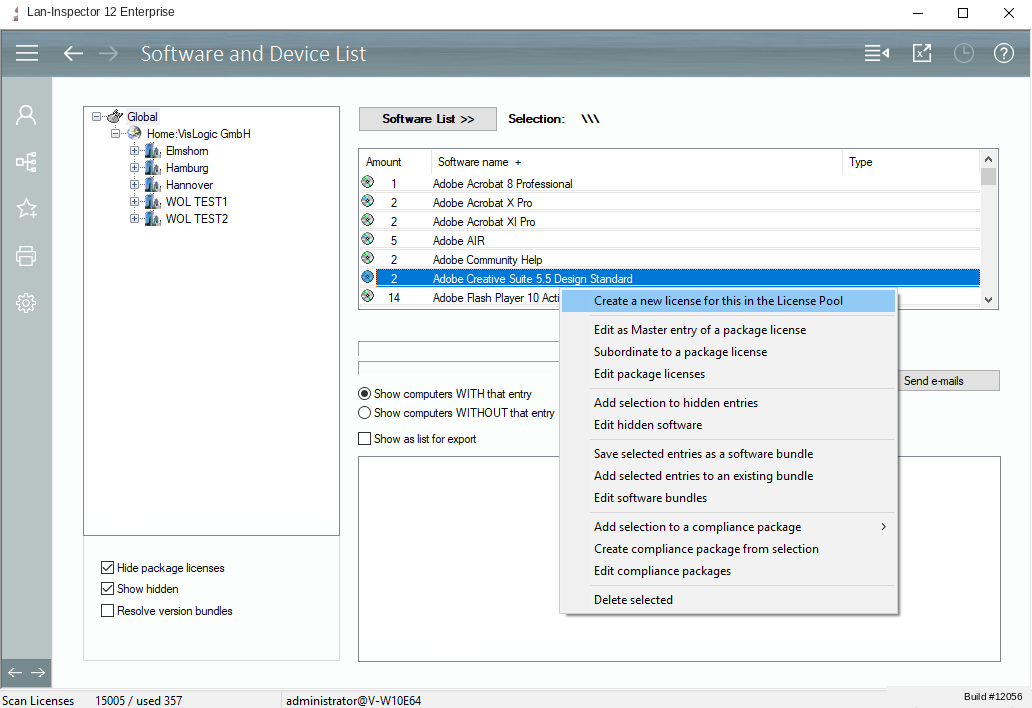
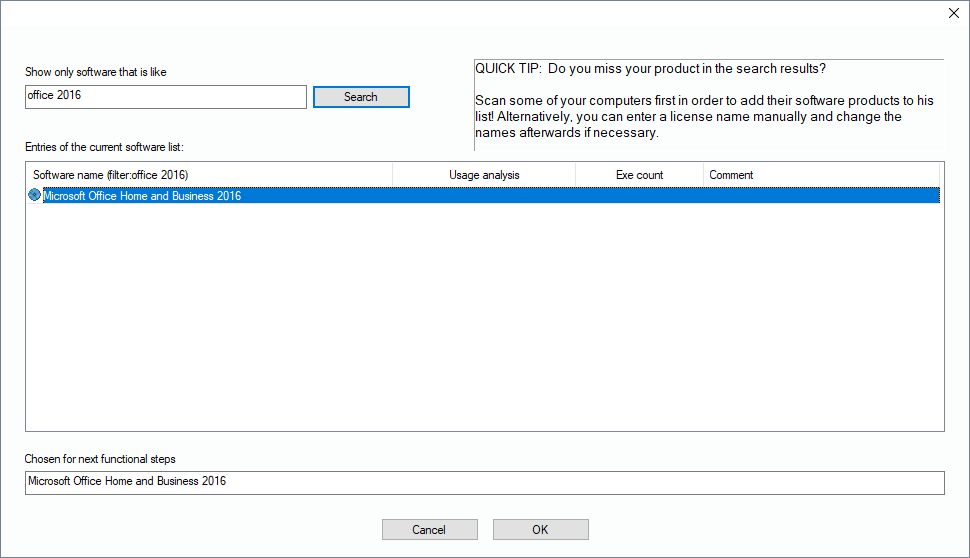
The easiest way is just to derive the license name directly from the pool of installations in the network and therefore from your inventory database. If you want to create a license entry for "Office", you choose the correct name from the catalogue of software names found in your network, see 6.5.1 License Pool / License Entry . It is highly probable that the purchased software will be installed on some PC in your network.
You can also derive a license entry directly from other views like in „Software and Device List“ using a context menu::