Enterprise Logon
Using the Basic or the Professional Edition skips this logon procedure. The Enterprise Edition has a running service account in the background (LaniScanEngine Service). This service uses a Windows service account that provides the necessary domain admin rights which are necessary for inventory scans of remote PCs. The users that log on to Lan-Inspector consequently don't need domain admin rights to perform network scans. Compared to that, scans of the Basic or Professional Edition require that the access rights of the logged-on Windows user are sufficient to scan remote PCs.
The Enterprise Edition includes an effective user rights management to give or take away functions and privileges to users of Lan-Inspector (see 7.2.6 Lan-Inspector User Accounts ).
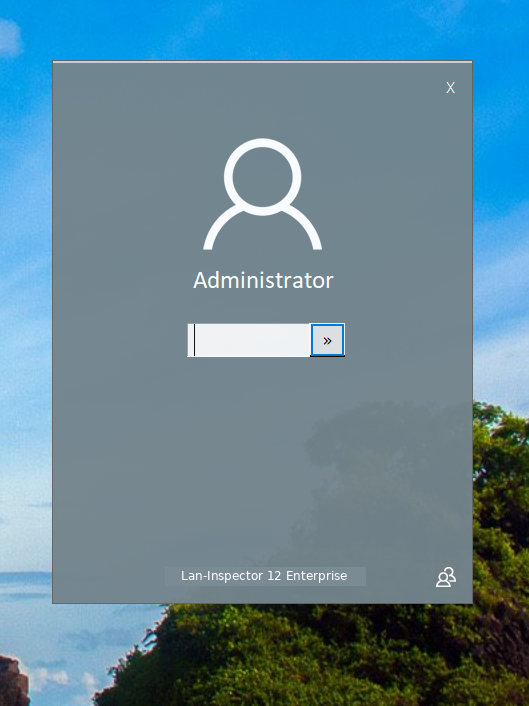
To switch to a different account, click the user icon in the lower-right corner of the dialog. Enter the password and click the ">>" button. The frontend then opens with the functions assigned to that user account.