Inventory via E-Mail Configuration
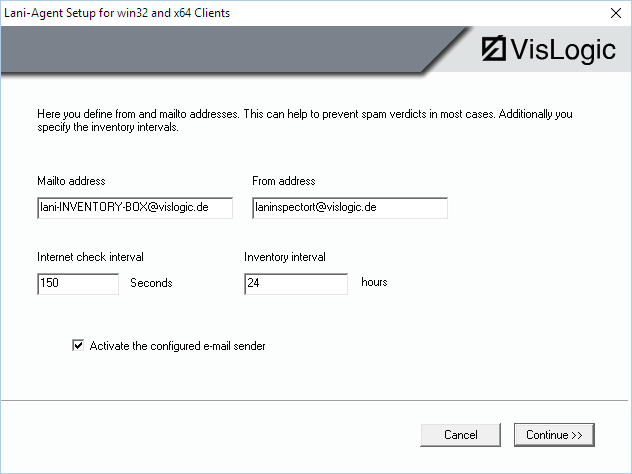
If you enable "Take inventory via e-mail", you can enter an SMTP-Server and an e-mail account of your company. You can also contact VisLogic and subcontract the use of the VisLogic server as a relay server. The agent thus checks regularly whether the computer (e.g. field notebook) has internet access. In this case, the agent sends the inventory data in the form of an e-mail with an attached EXP-file to a mailbox on your company's mail server. From here, Lan-Inspector is able to extract the EXP files from the e-mails of that mailbox (see 6.4.13.4 Extract EXP Files from Mailbox / E-Mail Inventory ).
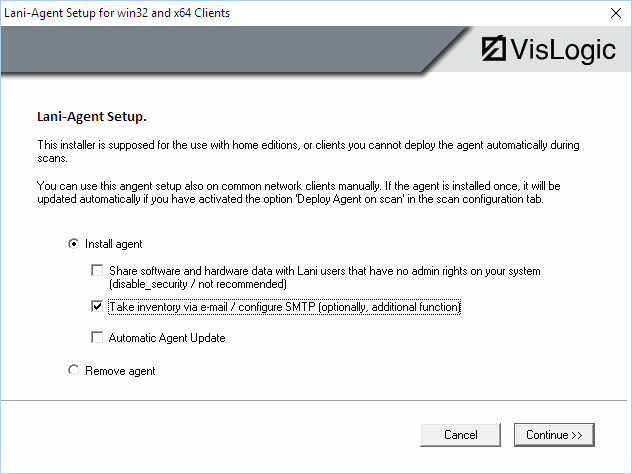
In the next step you provide SMTP server and authentication if needed. You can also specify TLS security for the mails. IMPORTANT: If you use the e-mail option, the LaniClientInventory service (LuBService.exe) uses mail functionality. This may generate heuristic false alarms with anti-virus products. In that case, corresponding whitelist entries may be required for the client.
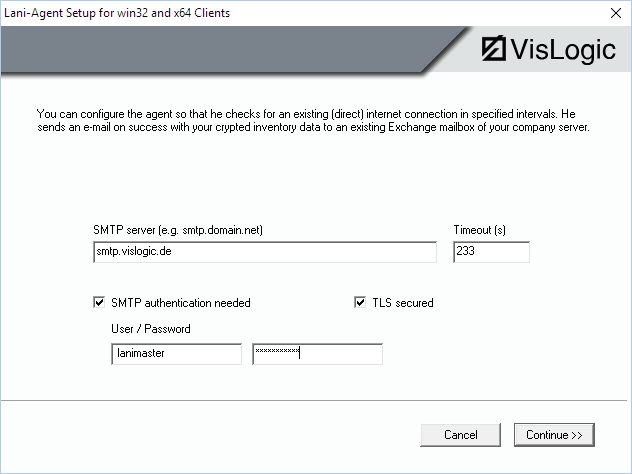
In the next dialog you specify the address of the mailbox the inventory files are to be sent to. Most servers require a specified sender address for successfully sending an e-mail. You can specify the sender’s address in this dialog, as well.