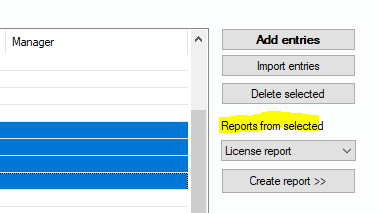
License Report from Selected Entries
If you need a report of the license balance which is narrowed to specified products from your list, select the records of interest, choose “License report” from the drop-down list and press “Create report >>”. This switches to the license balance view and starts to calculate your report, see also 6.5.2 License Balance | „License+Software Management/License balance“.