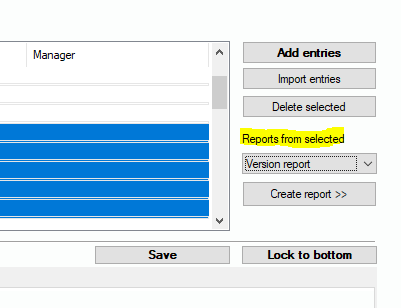
Version Report from Selected Entries
If you want to learn about the distribution of different versions of your managed software products, select the products of interest in your list. Next, you select “Version report“ from the drop-down list and press “Create report >>”. The system creates the report and switchest to the version report view, see 6.4.11 Software Version Overview | “Inventory Manatement/More/Software Version Overview“. In that view, your selected entries will appear in the list of “Examined products“.