Blacklist and Whitelist / Software Start Prevention
Blacklists and whitelists for full products are effective instruments of controlling the use of software in your network. These extensive functions are only available in the Professional Edition and the Enterprise Edition. Lan-Inspector can stop the start of products on the client PCs effectively. This, for example, makes sense if people use portable versions of software they bring in with USB sticks.
Instead of the started program, a friendly window appears on the desktop, displaying a used-defined text that tells about the forbidden usage. It doesn't help the user if he tries to rename the Exe files. Lan-Inspector recognizes them via the MD5 sum or file length, depending on your configuration.
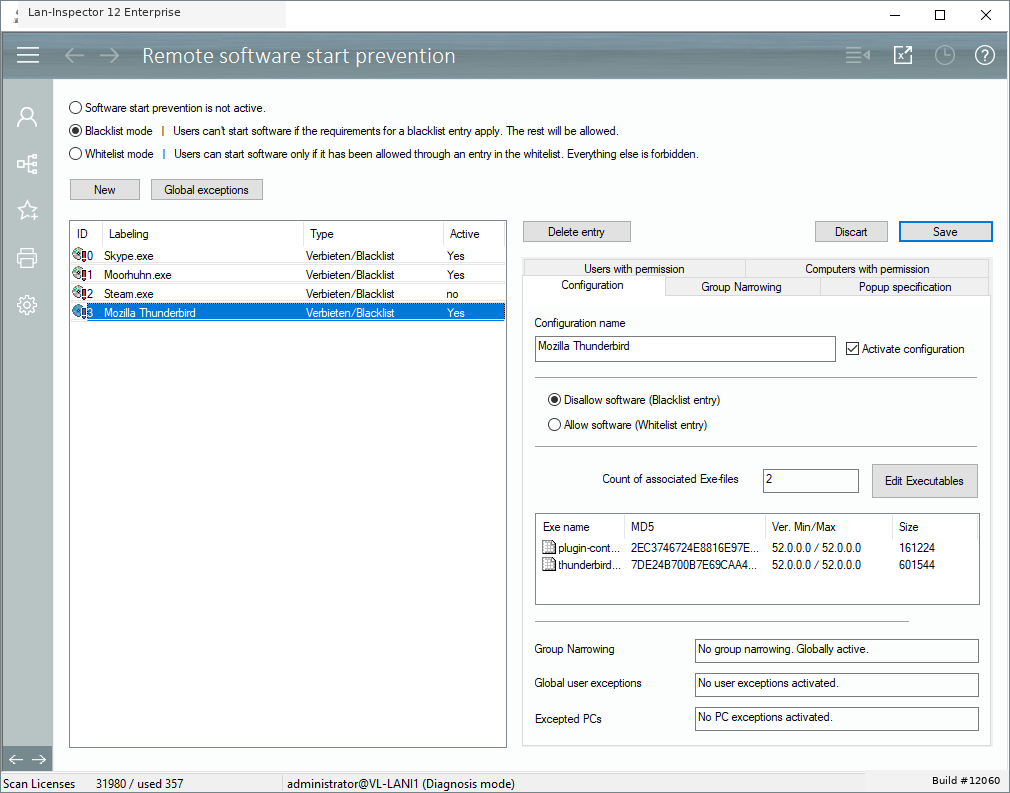
It is, though, a matter of consequence if you decide to use a "Blacklist" or a "Whitelist". Lan-Inspector start prevention secures windows components, so you are safe here. Please be careful anyway, because you might block important software of third-party vendors unwantedly.